
Free online image tools for faster, cleaner websites
Optimize Every Image in One Simple Workspace
Compress, resize, crop, convert and optimize your images without installing software. Start free without an account, keep full control of your files, and download clean, verified results in just a few clicks.
Drop Your Files Here
JPG, PNG and WebP • Up to 10 MB • No account required
Your guest files stay private and are automatically deleted within one hour.
Upload a JPG, PNG or WebP image, or paste one directly from your clipboard.. You can also paste an image with Ctrl + V or ⌘ + V. Max 10 MB.
- No Account Required
- Private Processing
- Automatic Deletion
- Verified Results
10M+ Images Processed
Trusted workflows for everyday optimization.
100% Private & Secure
Temporary storage with short-lived access.
1 Hour Automatic Deletion
Guest files expire on a fixed schedule.
No Watermark Clean Download
Download verified results without branding.
Everything you need
Powerful Image Tools, Ready When You Are
Handle everyday image tasks from one clean workspace. Each tool is designed to be simple for beginners while still giving professionals the controls they need.
Compress Image
Reduce JPG, PNG and WebP file sizes while keeping the result clear and usable.
Open toolResize Image
Change image dimensions by width, height or fit-inside settings without unwanted enlargement.
Open toolCrop Image
Select the exact area you want to keep with free and fixed-ratio crop controls.
Open toolConvert Image
Convert between JPG, PNG, WebP and supported AVIF formats with safe output verification.
Open toolGeotag Image
Add verified GPS coordinates to compatible JPEG images without changing the original.
Open toolImage Metadata Viewer
Inspect dimensions, color information and safe allow-listed image metadata.
Open toolImage SEO Metadata Editor
Write, review and export image SEO fields for your website or content management system.
Open toolBulk Image Tools
Compress, resize or convert several images and download successful results together.
Open tool
Popular image tasks
Go Straight to the Format You Need
Choose a dedicated tool for your image format or conversion. Your preferred source and output settings will already be selected.
Simple from start to finish
Finish Your Image Task in Four Clear Steps
- 1

Upload Your Image
Choose a supported image, drag it into the workspace or paste it from your clipboard.
- 2
Select Your Settings
Choose the format, dimensions, quality, crop area or metadata options required for your task.
- 3
Process Securely
The server performs and verifies the operation while showing clear progress and error states.
- 4
Download the Result
Review the final details, download your file and process another image whenever needed.
See the difference
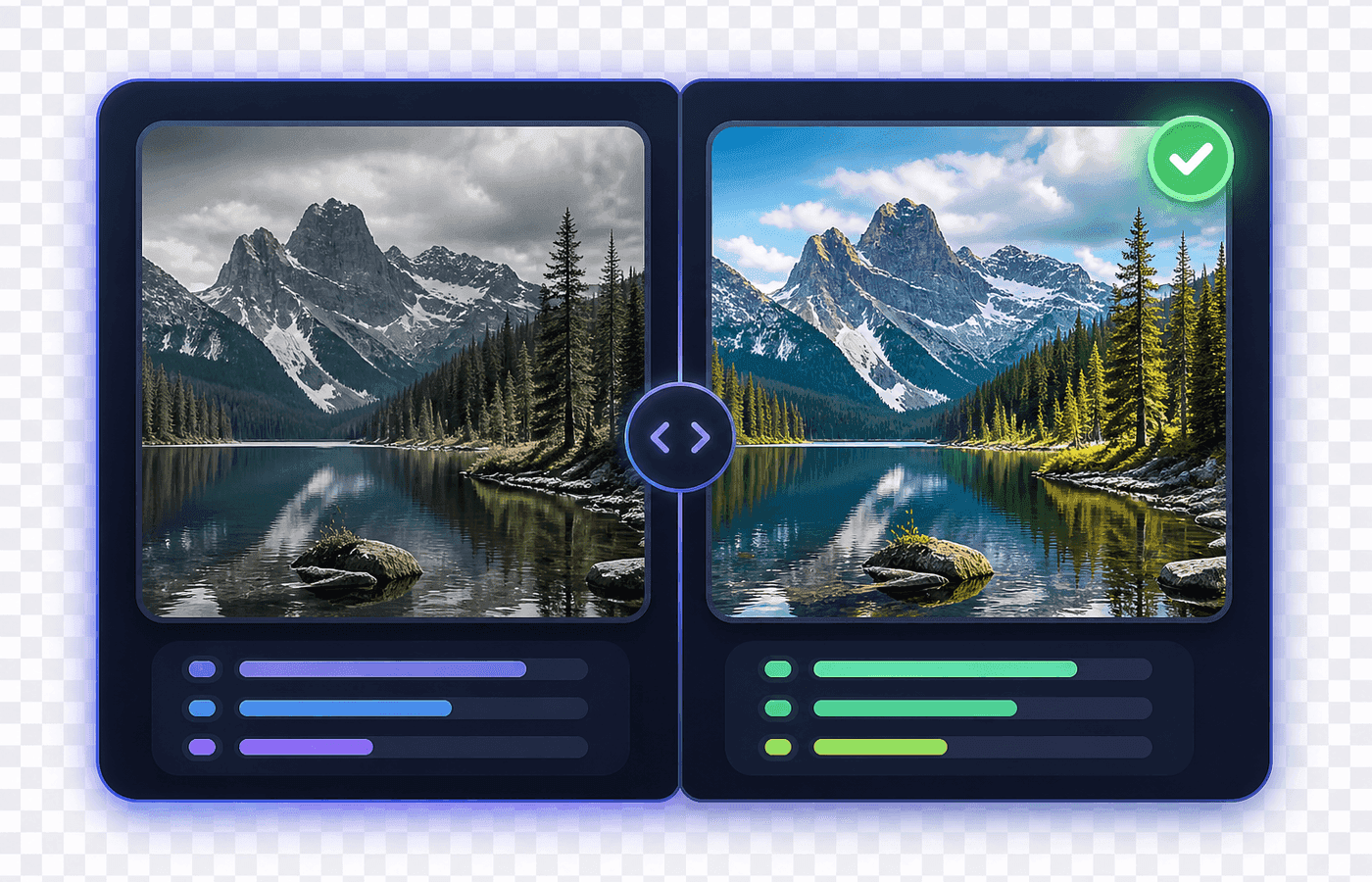
See the Difference Before You Download
Clear result summaries help you understand what changed. Compare the original image with the processed version, review file size or dimensions and download only when the output matches your needs.
- Original stays safe while a new result is created
- Verified output with honest size and dimension details
Product illustration — example only. Actual savings vary by image.
Your Next Image Is Ready to Be Optimized
Upload a JPG, PNG or WebP image and complete your task without installing software or creating an account.
Private guest processing · Automatic one-hour deletion · No watermark
Frequently asked questions
Do I need an account to use Img Pilot?
No. Core guest tools can be used without creating an account. Guest limits apply, and account features are available when you need saved projects or higher workflow limits.
How long are guest images stored?
Guest images and temporary results expire within one hour. Downloading, refreshing or reprocessing does not extend that deadline.
Will processing overwrite my original image?
No. Processing creates a separate result. The uploaded original remains unchanged during the active guest session.
Which image formats are supported?
Core tools support JPG, PNG and WebP. Some conversion workflows may also support AVIF when the server can encode and verify the result.
Can I process several images together?
Yes. Bulk Image Tools support selected compress, resize and convert workflows. Guest batch limits apply.
Does compressing an image always make it smaller?
Not always. The final size depends on the original image, its format and the selected settings. Img Pilot reports the actual result honestly, including when an output is larger.
Is alt text embedded inside the image?
Alt text is normally added to a website or CMS record rather than universally embedded in the image file. The Metadata Editor helps you prepare and export it for use on your website.
Does image optimization guarantee better search rankings?
No. Image optimization can support performance, organization and accessibility, but no individual image tool can guarantee search rankings.